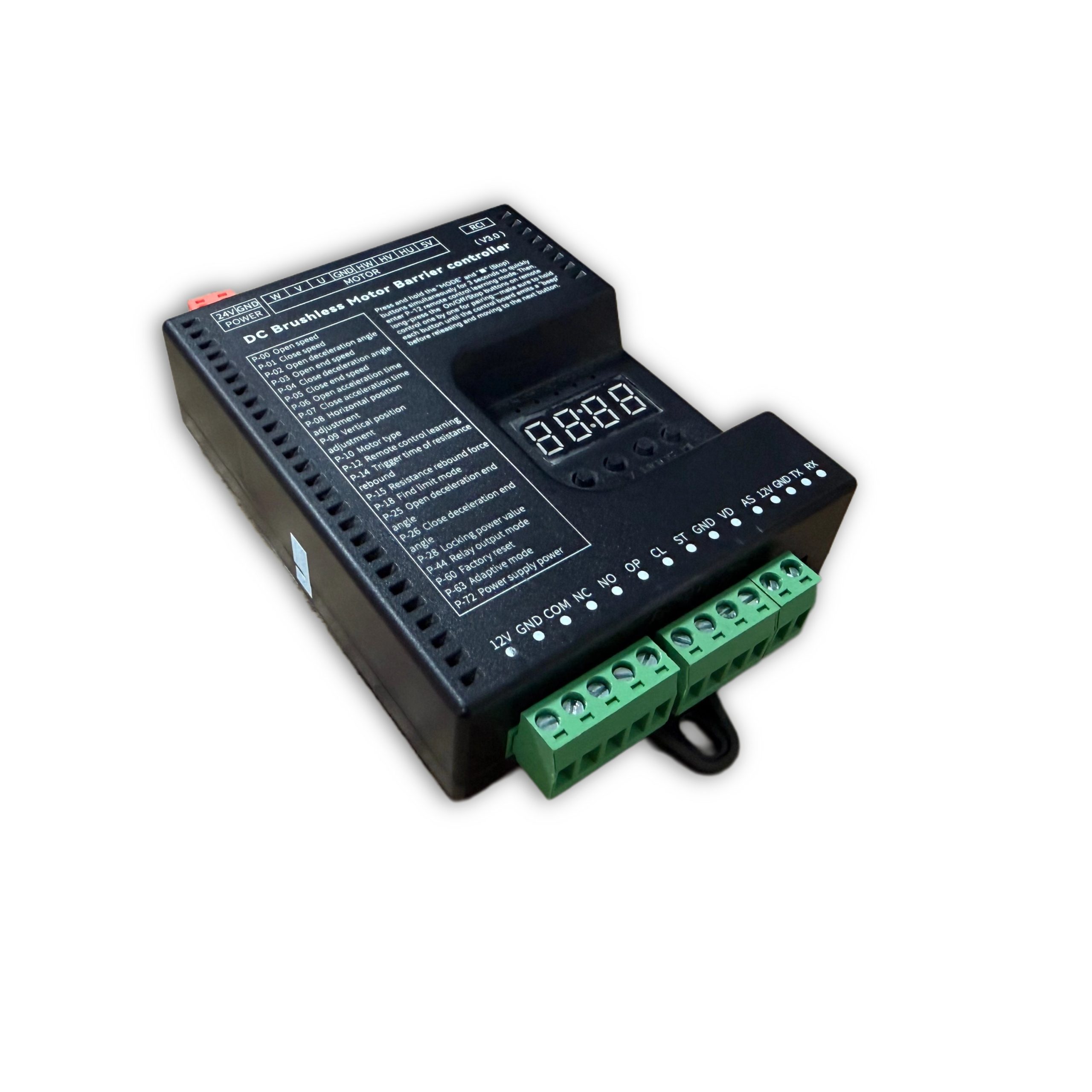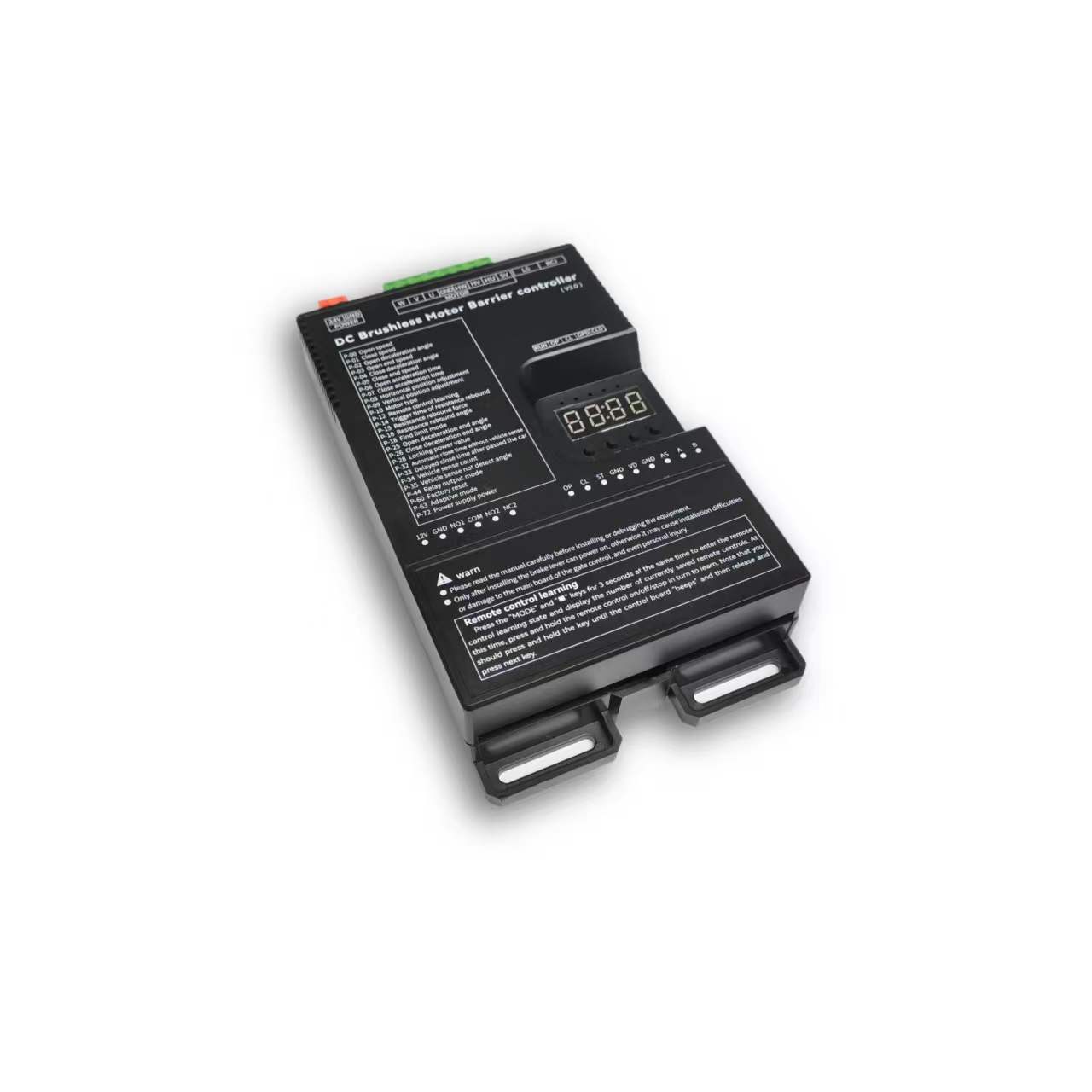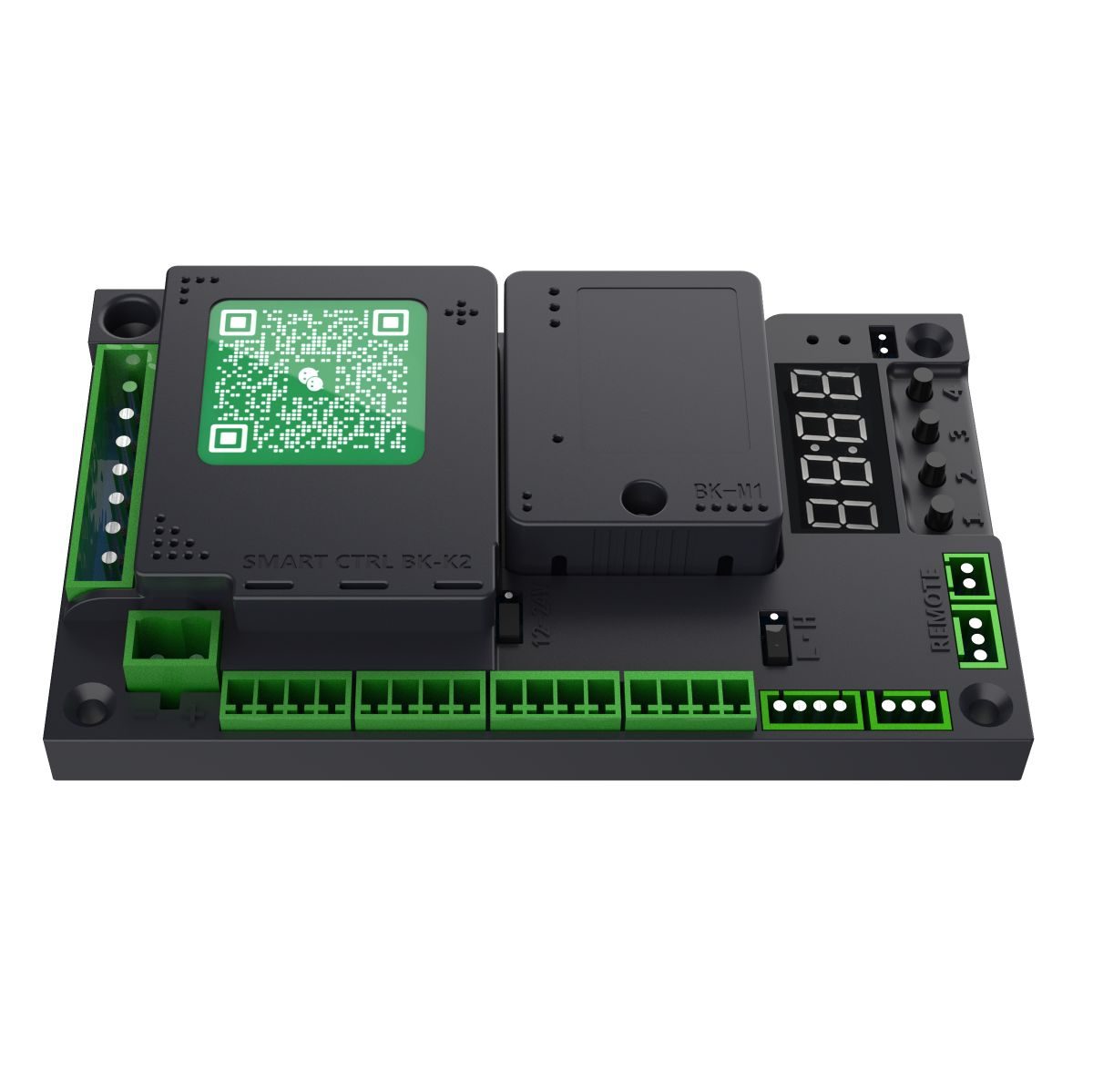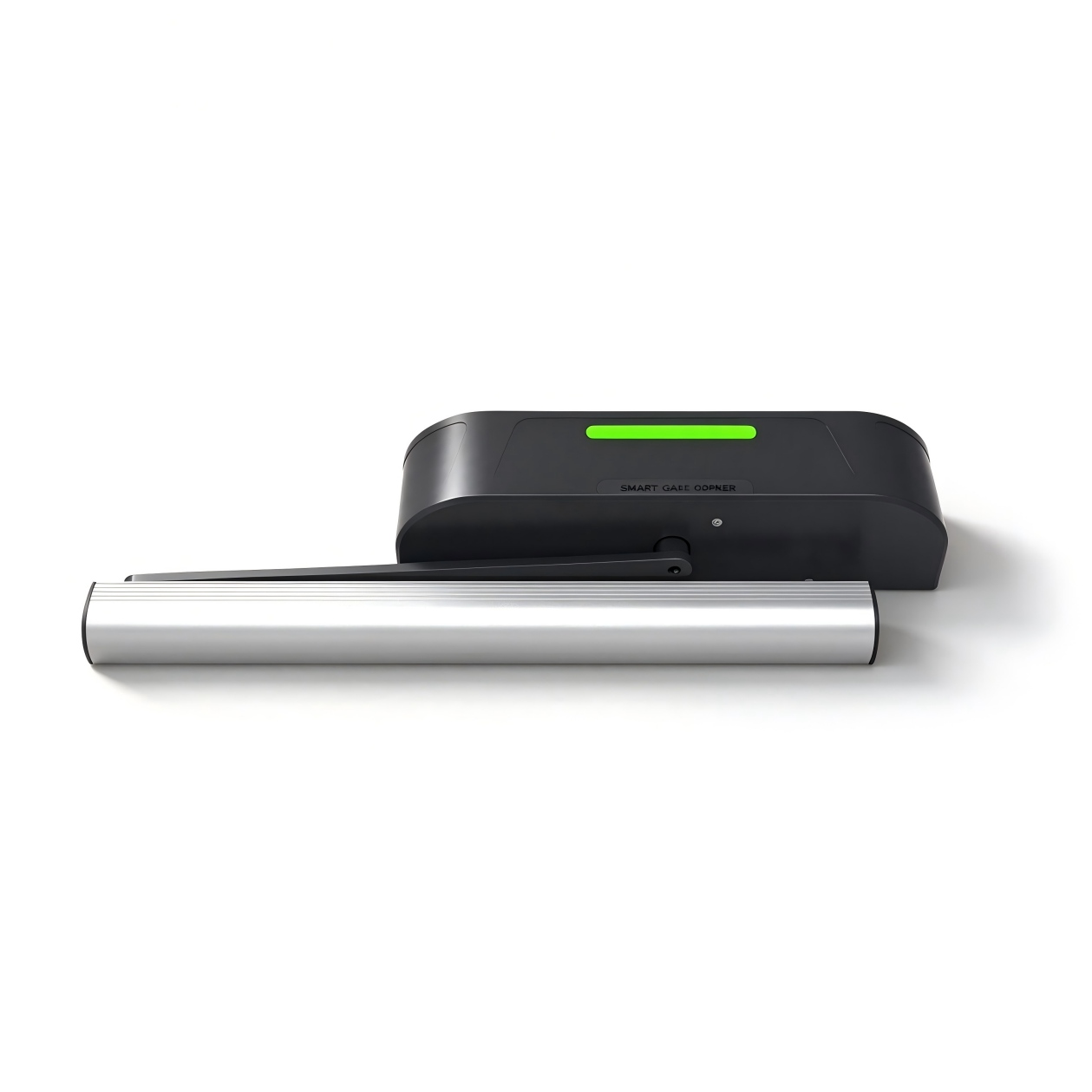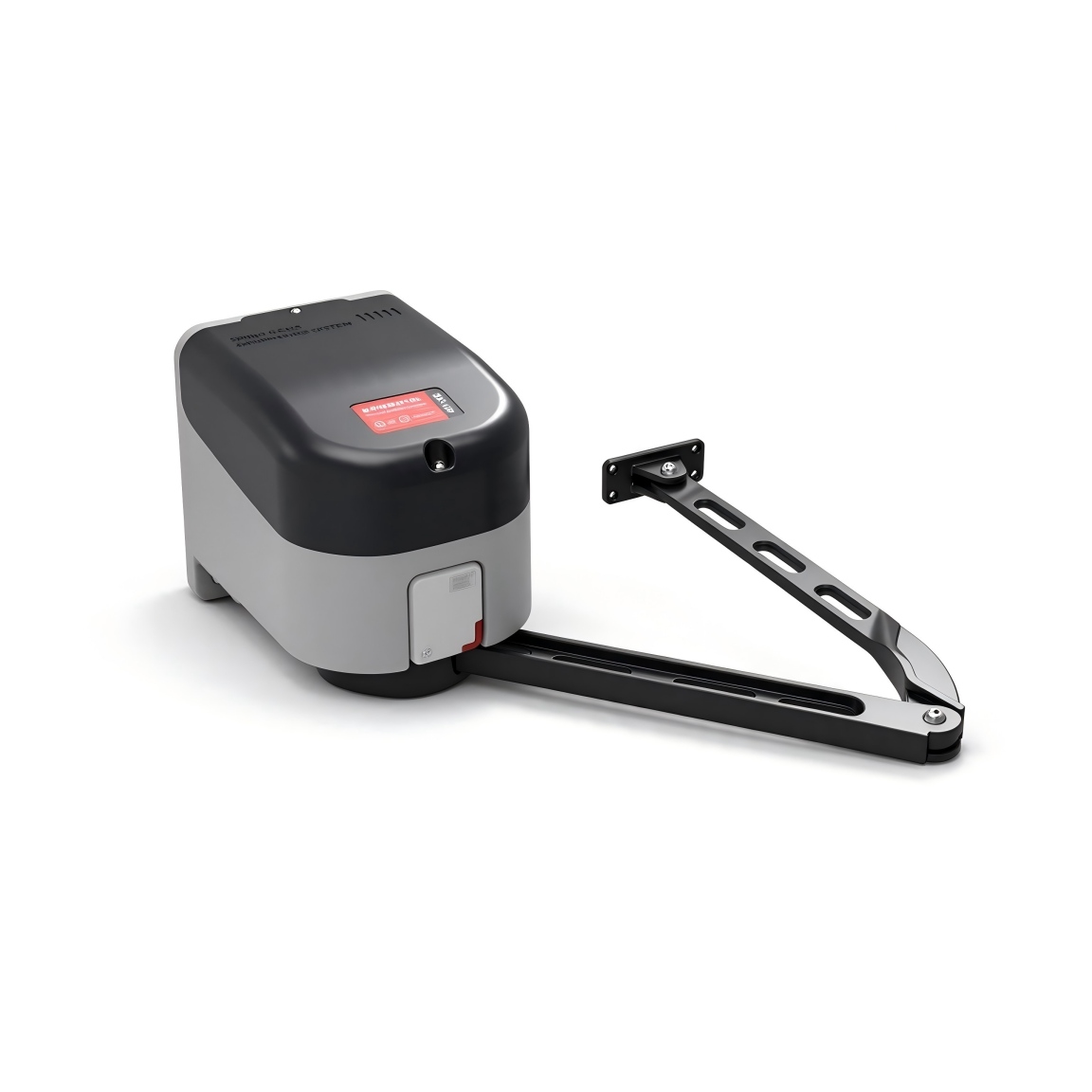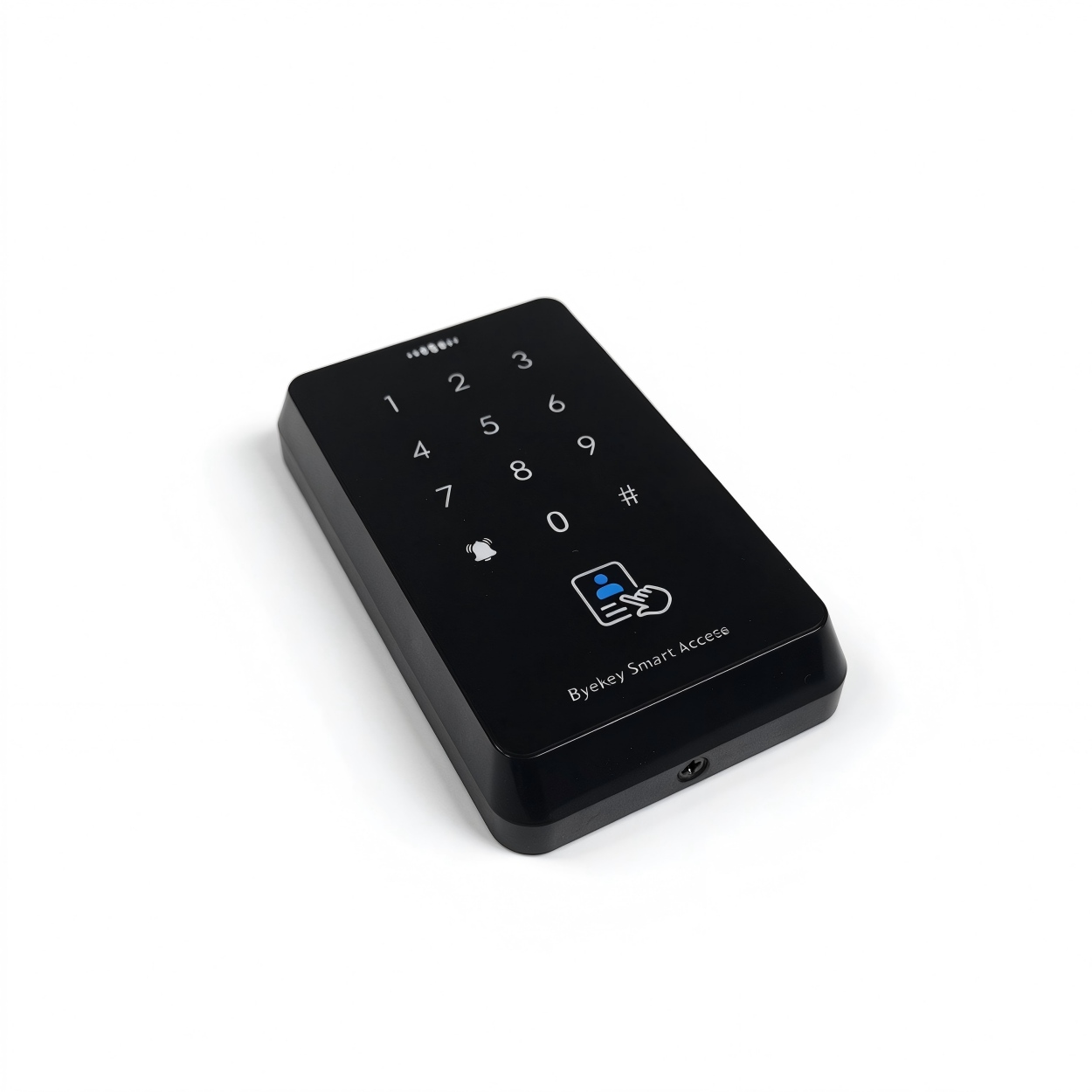








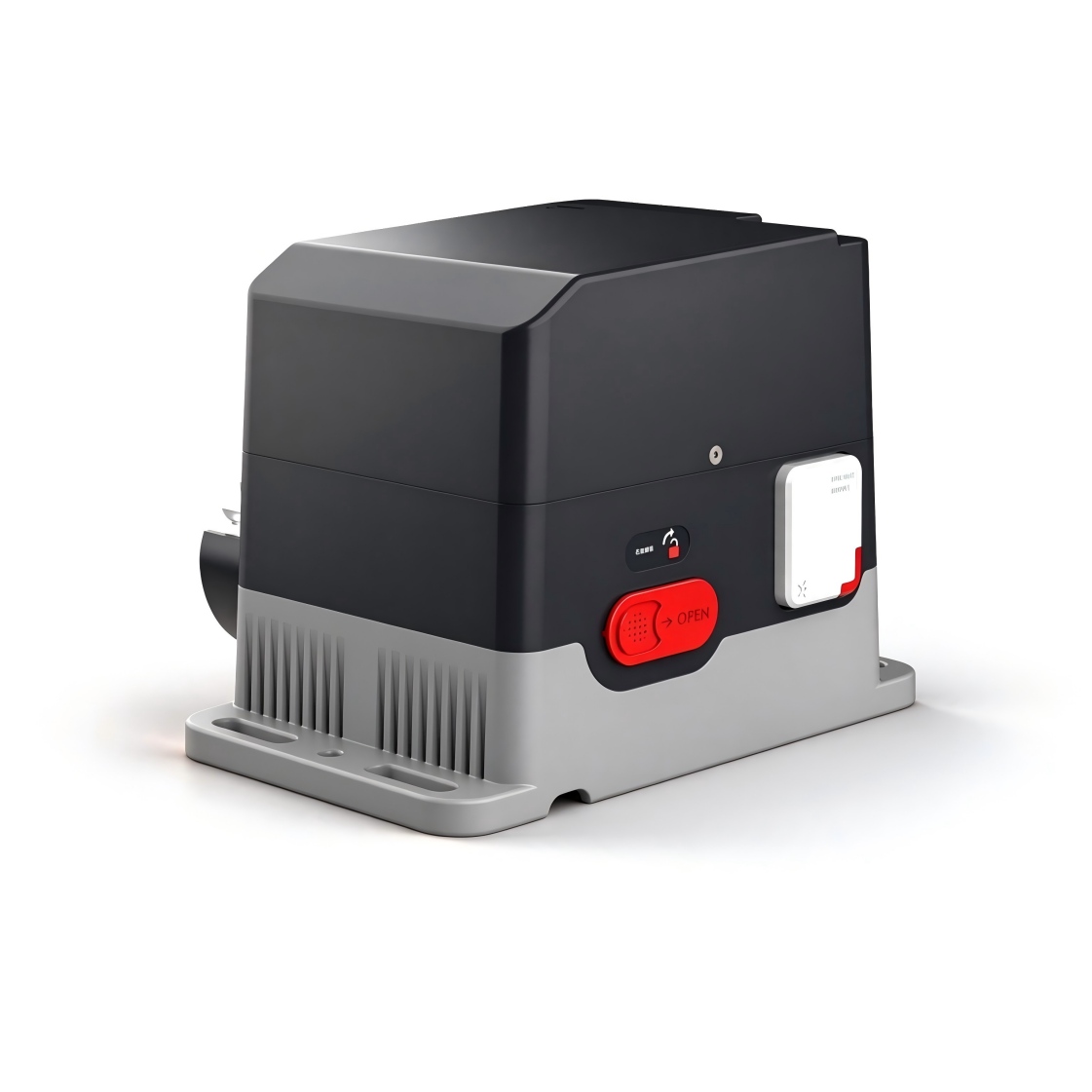
CTM-Sliding Door Operator Controller
Operating instructions, setup parameters, fault codes and wiring for the sliding-door operator controller.
Manual version 1.5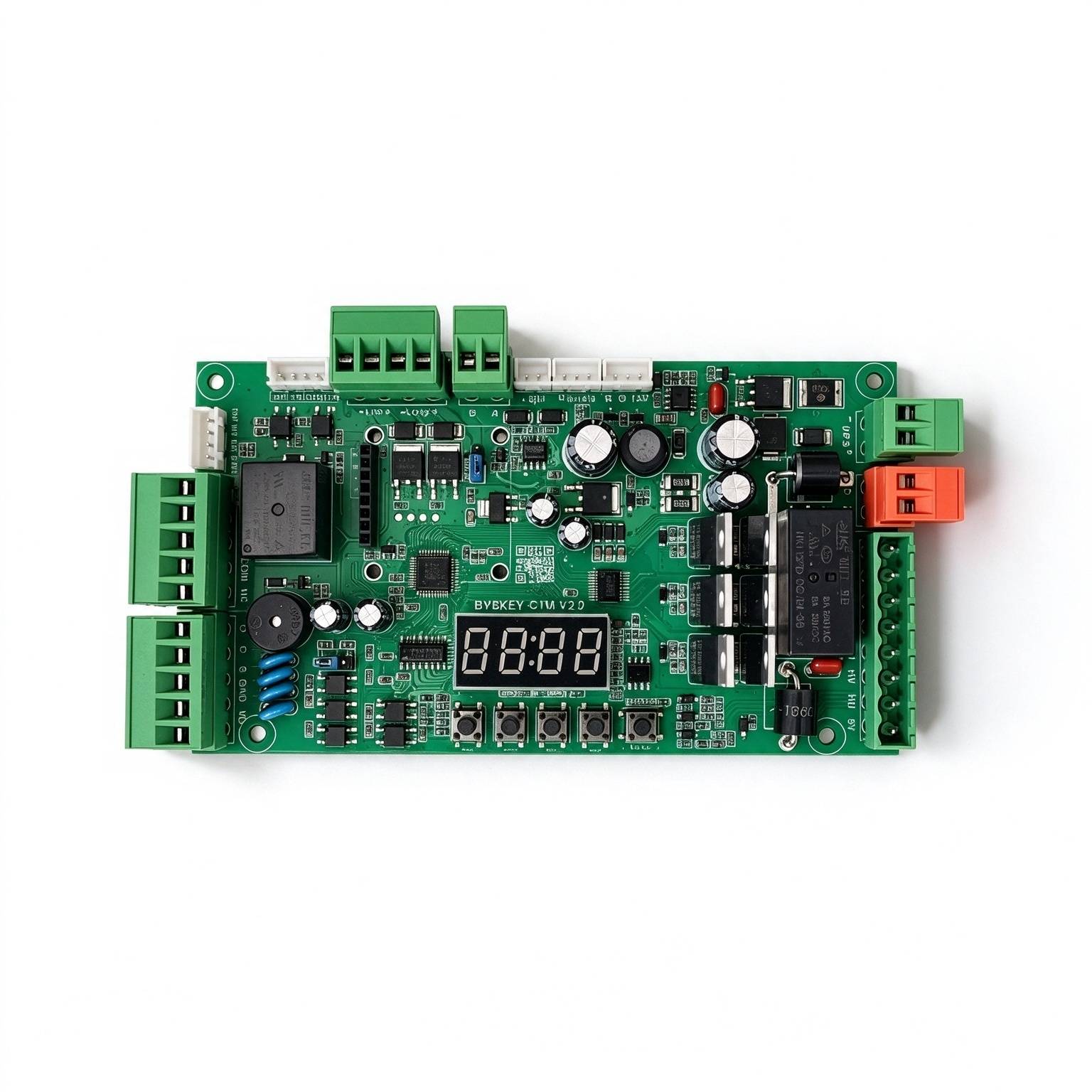
Used in these products
Safety & specifications
Operating environment requirements+
. Transport, use and store the device within the permitted humidity and temperature ranges. . Do not allow any liquid to flow into the device. . Install the device in a well-ventilated location and do not block the ventilation openings. . Do not apply heavy pressure, violent vibration, or immerse the device. . When transporting the device, use the original factory packaging or packaging of equivalent quality. . It is recommended to connect the grounding hole on the device to ground to improve reliability.
Original manual · 2 ↗Operation and maintenance+
Do not disassemble the device without authorization. Use accessories or parts specified by the manufacturer, and have installation and repair carried out by professional service personnel.
Original manual · 2 ↗Product features+
Safety: powered by 24V DC power supply; Energy saving: static power less than 2W, can drive motors up to 250W; Adjustable speed: opening and closing speeds are adjusted independently. Smooth operation: multi-stage speed design for stable and smooth working performance. Quiet: operating noise below 50dB; Multiple protection: motor over-current, overload and short-circuit protection, motor fault protection, and reverse-polarity protection; Supports external Remote controller input; Supports anti-freezing, anti-rust and other functions; Supports multiple relay output modes.
Original manual · 2 ↗Specifications+
Power supply: DC 24 V ±10%, 10 A. Motor power: maximum 250 W. Static power: less than 2 W. Opening/closing speed: adjustable 1%–100%. Operating ambient temperature: −35°C to 75°C. Operating ambient humidity: 30%–80%, no condensation.
Original manual · 2 ↗Buttons & setup
OPEN / + button+
In normal working state, pressing this button opens the door. After entering the setting state, use this button to increase menu items and adjust the set value upward. In the parameter setting state, each short press increases by one. A long press continuously increases to the maximum value, then starts increasing again from the minimum. If the long press lasts longer, the increment speeds up.
Original manual · 4 ↗CLOSE / − button+
In normal working state, pressing this button closes the door. After entering the setting state, use this button to decrease menu items and adjust the set value downward. In the parameter setting state, each short press decreases by one. A long press continuously decreases to the minimum value, then starts decreasing again from the maximum. If the long press lasts longer, the decrement speeds up.
Original manual · 4 ↗MENU button+
This button has 3 functions: 1. In normal working mode, press and hold this button for 3 seconds to enter the menu item selection state. The LED displays “P-XX”. At this time, press “Open/+ ” or “Close/- ” to select the menu item; 2. In the menu item selection state, short-press “Menu” to enter the parameter setting state; 3. After the parameter is set, short-press to save and exit.
Original manual · 4 ↗STOP / CANCEL button+
In normal working, this button provides the stop function. In the menu item selection state, it exits the setting state. In the parameter setting state, pressing this button exits that state and returns to the menu selection state, i.e. returns to the previous menu, and the set value becomes invalid. If no button is operated within 60 seconds in the menu selection or parameter setting state, the buzzer sounds a long beep and the controller returns to the normal working state.
Original manual · 4 ↗HOT-KEY shortcuts+
The 10-second shortcut restores factory settings. Do not hold beyond the intended shortcut duration.
In normal working state, pressing and holding this button makes the display count in seconds; releasing it triggers the corresponding HOT-KEY function. 1. Release after holding for 3 seconds to automatically switch the motor direction; 2. Release after holding for 6 seconds to quickly learn the Remote controller; 3. Hold for 10 seconds to restore factory settings.
Original manual · 4 ↗LED display and power-saving behavior+
The control board has a 4-digit LED display, used to show the working status of the gate, parameters, menu items and other information. After power-on, it runs in low-power mode and the LED brightness is dim. Pressing any button switches the LED display to the normal working mode with high brightness. If no button is pressed, it enters low-power mode after 60 seconds and the LED dims to reduce power consumption. If no button is pressed after 2 minutes, the LED display turns off and enters the lowest energy state.
Original manual · 4 ↗How to set a parameter+
Press and hold the “Menu” button for 3 seconds to enter the parameter setting state; the LED displays “P-XX”. Use the “Open/+ ” and “Close/- ” buttons, by short or long press, to select a menu item: each short press adds or subtracts one, and a long press adjusts continuously. Press “Menu” again to enter the setting of the selected item; press “Stop/Cancel” to return to the previous level or exit the setting. After a parameter is set, it must be confirmed by pressing “Menu” to take effect. Parameters set while pressing “Stop/Cancel” will not take effect. If no button is pressed within 60 seconds, the buzzer on the control board sounds a long beep, exits the setting state and returns to the normal working state.
Steps
- Hold Menu for 3 seconds to display P-XX.
- Use Open/+ or Close/− to select the menu item.
- Press Menu to enter its setting.
- Adjust the value with Open/+ or Close/−.
- Press Menu to confirm. Stop/Cancel discards the current change.
Quick operating modes
Normally-open mode+
After the door is fully open, hold Stop on the remote controller for 5 seconds to enter normally-open mode. Press Close to cancel.
Original manual · 5 ↗Remote partial-open mode+
When fully closed, or while closing below the partial-open position, hold Open on the remote for 2 seconds. The door opens only to the partial-open position set by P-88.
Original manual · 5 ↗Disable motion-sensing opening+
After the door is fully closed, hold Close on the remote for 5 seconds to disable motion-sensing opening.
Original manual · 5 ↗Enable motion-sensing opening+
After the door is fully open, hold Open on the remote for 5 seconds to enable motion-sensing opening.
Original manual · 5 ↗Jumper settings
Magnetic-lock supply voltage+
The 12 V / 24 V jumper selects the supply voltage. Select according to the power specification of the magnetic lock in use. Use the labels on the board to identify the jumper.
Original manual · 5 ↗Access-controller signal type+
Select relay signal or voltage signal according to the access controller output. For a relay opening signal, select relay opening. A voltage signal is a 5–24 V output from the access controller.
Original manual · 5 ↗Common functions
P-00Opening Speed+
DEFAULT80
RANGE10-100
The larger the value, the faster the speed; the smaller the value, the slower the speed.
Original manual · 5 ↗P-01Closing Speed+
DEFAULT80
RANGE10-100
The larger the value, the faster the speed; the smaller the value, the slower the speed.
Original manual · 5 ↗P-06Final-Stage Opening Speed+
DEFAULT25
RANGE1-80
Finish the opening at this speed. The larger the value, the faster the speed. If the speed is too high, the door may shake at the end of opening; in this case reduce this value.
Original manual · 5 ↗P-07Final-Stage Closing Speed+
DEFAULT25
RANGE1-80
Finish the closing at this speed. The larger the value, the faster the speed. If the speed is too high, the door may hit the frame during closing; in this case reduce this value. If the door cannot close fully, increase this value.
Original manual · 5 ↗P-08Final-Stage Opening Deceleration Position+
DEFAULT90
RANGE45-90
When opening, the door first accelerates to P-00, then begins to decelerate at P-02; at this option it stops decelerating and enters low-speed uniform motion until opening is finished.
Original manual · 5 ↗P-09Final-Stage Closing Deceleration Position+
DEFAULT2
RANGE0-45
When closing, the door first accelerates to P-01, then begins to decelerate at P-03; at this option it stops decelerating and enters low-speed uniform motion until closing is finished.
Original manual · 5 ↗P-13Remote controller Learning+
DEFAULT0
RANGE0-60
Remote controller learning: Entering P-13 displays the current number of saved Remote controllers. Then press the Open/Stop/Close buttons of the Remote controller in sequence to learn. Keep pressing until the control board beeps once, then release and press the next button. When the control board gives a long beep, or the number on the display increases by one, learning is complete. You may learn the next one or press Cancel to return. Remote controller deletion: Under this menu, press “+” or “-” to modify the value of a learned Remote controller, press “Menu” to confirm, and delete the learned Remote controller corresponding to that value.
Steps
- Enter P-13 to display the number of saved remote controllers.
- Press Open, then Stop, then Close on the remote controller. Hold each button until the control board beeps once, then release it before pressing the next button.
- A long beep or an increase in the displayed count confirms learning.
- Learn the next remote or press Cancel to return.
P-14Auto-Close Time+
DEFAULT0
RANGE0-255
After the door is fully open, if no ground-sensing/microwave signal is triggered within the specified time, the door closes automatically. If set to 0, the door does not close automatically. Unit: 1 second.
Original manual · 6 ↗P-23Opening Direction+
DEFAULT0
RANGE0-1
Value range: 0-1, default: 0. 0 is left-opening, 1 is right-opening.
Original manual · 6 ↗P-27Restore Factory Settings+
DEFAULT0
RANGE0-255
This option has three functions: clearing Remote controllers, partially restoring factory settings, and fully restoring factory settings. To prevent accidental operation, a specific value must be set, then press “Menu” to complete the operation. 5: clear Remote controllers; 10: restore factory settings (Remote controllers and motor type are not restored); 15: fully restore factory settings.
Original manual · 6 ↗P-31Sensor Interface Function Setting+
DEFAULT2
RANGE0-7
Range: 0-7, default: 2. This parameter is for the motion-sensing port IN1; different values provide different functions. 0: disabled; 1: motion-sensing function, closes immediately after no person is detected; 2: motion-sensing function, closes after the delayed closing time of P87 after no person is detected; 3: only receives external signal input after fully closed, does not detect during closing; 4: Partial-Open function, “Access + ” and “Access - ” interfaces are effective; 5: Partial-Open function, “Access + ” and “Access - ” interfaces are ineffective; 6: close; 7: stop;
Original manual · 6 ↗P-32Partial-Open Mode Interface Function Setting+
DEFAULT2
RANGE0-7
Range: 0-7, default: 2. This parameter is for the motion-sensing port IN2; different values provide different functions. 0: disabled; 1: motion-sensing function, closes immediately after no person is detected; 2: motion-sensing function, closes after the delayed closing time of P87 after no person is detected; 3: only receives external signal input after fully closed, does not detect during closing; 4: Partial-Open function, “Access + ” and “Access - ” interfaces are effective; 5: Partial-Open function, “Access + ” and “Access - ” interfaces are ineffective; 6: close; 7: stop; If either P-31 or P-32 is set to make the “Access + ” and “Access - ” interfaces ineffective, then both interfaces are disabled.
Original manual · 7 ↗P-34Counting Function+
DEFAULT1
RANGE0-4
0: no counting of opening actions, closes after passage; 1: count the opening signals with a maximum count of 1; the count is decremented when motion sensing is triggered, and the door closes when motion sensing disappears and the count is 0; 2-3: count value of 2-3; 4: count the opening signals with a maximum count of 255; the count is decremented when motion sensing is triggered, and the door closes when motion sensing disappears and the count is 0.
Original manual · 7 ↗P-64Sliding Door Type+
The range column says 0–6; the description says 0–4 but lists 5 and 6. Options 3 and 4 are not explained. Confirm supported door modes.
DEFAULT0
RANGE0-6
Range: 0-4, default: 0, of which: 0: single door; 1: main leaf of a double door, the other leaf must be set to 2; 2: slave leaf of a double door, the other leaf must be set to 1; 5: main leaf of an interlock door, the other leaf must be set to 6; 6: slave leaf of an interlock door, the other leaf must be set to 5;
Original manual · 7 ↗P-71Single-Key Cycle Switch Function+
DEFAULT0
RANGE0-2
0: not reused; 1: reused as the PUSH function; the opening triggered by this port synchronously sends the open signal to the slave with RS-485 device ID 2, and all closing signals of the device are also synchronized to the slave with device ID 2; 2: reused as the PUSH function; the signal is changed to falling-edge triggering, or triggered when the signal program lasts for 3 seconds; when opening is triggered by a 3-second long press, the open signal is synchronized to the slave with RS-485 device ID 2, and all closing signals of the device are also synchronized to the slave with device ID 2 (PUSH interface description: when the Controller is fully open, triggering PUSH closes the door; when the Controller is in other states, triggering PUSH opens the door)
Original manual · 7 ↗P-73Alarm Light Working Mode+
DEFAULT3
RANGE0-3
0: alarm light off; 1: flashing during opening; 2: flashing during closing; 3: flashing during both opening and closing.
Original manual · 8 ↗P-74Alarm Light Flash Frequency+
DEFAULT1
RANGE0-2
0: flashing alternately at 2Hz; 1: flashing alternately at 1Hz; 2: flashing alternately at 0.5Hz.
Original manual · 8 ↗P-75Illegal Opening Alarm Function+
P-76Traffic Light Mode+
The sliding-door manual uses angle/degrees terminology here. This wording is retained; confirm how the position value maps to travel on your controller.
DEFAULT0
RANGE0-3
0: traffic-light mode 1: green light when the opening angle is greater than 60°, red light when closing starts; 1: traffic-light mode 2: green light when fully open, red light in other states; 2: position-state output: green light when fully open, red light when fully closed, both lights off in other states; 3: position-pulse output: green light for 1 second when fully open, red light for 1 second when fully closed.
Original manual · 8 ↗P-78Push-to-Open Function+
DEFAULT0
RANGE0-10
0-0-disable push-to-open; 1-10 enable the push-to-open function, which takes effect after the door is fully closed; the smaller the value, the more sensitive. 1-(When this function is effective, the P58 manual-push auto-close function is invalid)
Original manual · 8 ↗P-80Relay Output Mode+
DEFAULT0
RANGE0-4
0: close when opening starts, open when closing starts; 1: closed when fully open, open when fully closed; 2: closed when fully closed, open in other states; 3: closed for a 1-second pulse when fully open; 4: closed for a 1-second pulse when fully closed;
Original manual · 8 ↗P-81Limit Learning Mode+
DEFAULT0
RANGE0-3
0-Use external sensor limit; 1-Auto-find mechanical limit; 2-Only find the opening limit (both mechanical limit and sensor limit are valid); 3-Only find the closing limit (both mechanical limit and sensor limit are valid);
Original manual · 9 ↗P-82Manual Learning of Closing Position+
This learning operation causes automatic door movement. Follow the specified P-81 prerequisite and the original procedure.
Entering the setting displays L-00, automatically opens the door to find the opening limit, stops when in position and displays L-01. The user manually presses the “Open/Close” button to control the door position to find the fully-closed position, then presses “Menu” to confirm and save.(Valid when P-81 is 2)
Steps
- Use this procedure only when P-81 is set to 2.
- Enter P-82. The display shows L-00 and the door automatically opens to find the opening limit.
- After it stops at the limit, L-01 appears.
- Use Open/Close to find the fully-closed position.
- Press Menu to confirm and save.
P-83Manual Learning of Opening Position+
This learning operation causes automatic door movement. Follow the specified P-81 prerequisite and the original procedure.
Entering the setting displays L-00, automatically closes the door to find the closing limit, stops when in position and displays L-01. The user manually presses the “Open/Close” button to control the door position to find the fully-open position, then presses “Menu” to confirm and save.(Valid when P-81 is 3)
Steps
- Use this procedure only when P-81 is set to 3.
- Enter P-83. The display shows L-00 and the door automatically closes to find the closing limit.
- After it stops at the limit, L-01 appears.
- Use Open/Close to find the fully-open position.
- Press Menu to confirm and save.
P-87Sensor Delayed Closing Time+
The source does not specify the time unit for this parameter. Do not assume the unit from another model.
DEFAULT2
RANGE0-255
How long after the microwave/ground-sensing signal disappears before closing starts.
Original manual · 9 ↗P-88Door Partial-Open Position+
DEFAULT50
RANGE10-80
Door Partial-Open position setting, unit: percentage of the fully-open position.
Original manual · 9 ↗P-89Display Ambient Temperature+
This option is used to display the current ambient temperature on the display.
Original manual · 9 ↗P-90Anti-Freeze Temperature Threshold+
The source prints the range as “-40-40”; retained verbatim. Confirm the range and temperature unit.
DEFAULT5
RANGE-40-40
At low temperature, to prevent the machine from freezing, after this function is enabled, when the door is fully closed and the temperature is lower than the value set by this option, if the door has not moved within the time of P-92, it automatically runs to the position of P-91 and then closes again.
Original manual · 9 ↗P-91Anti-Freeze Actuation Distance+
The sliding-door manual uses angle/degrees terminology here. This wording is retained; confirm how the position value maps to travel on your controller.
DEFAULT5
RANGE0-45
Opening position percentage for anti-freeze. When the ambient temperature drops to the temperature set by P-90, and the timing time set by the P-92 anti-freeze interval command is reached, the door opens to the angle set by this parameter and then automatically closes. If this parameter is 0, the anti-freeze function is disabled. Only when both P-91 and P-92 are not 0 is the anti-freeze function enabled.
Original manual · 9 ↗P-92Anti-Freeze Actuation Interval+
DEFAULT0
RANGE0-255
When the ambient temperature is lower than the set temperature, timing starts. If the gate has no running action within the timing period, when the time interval set by this command is reached, the gate opens to the angle set by P-91 and then automatically closes. If this parameter is set to 0, the anti-freeze function is disabled.(Unit: minute)
Original manual · 9 ↗Advanced functions
P-02Mid-Opening Deceleration Position+
The sliding-door manual uses angle/degrees terminology here. This wording is retained; confirm how the position value maps to travel on your controller.
DEFAULT75
RANGE10-90
Used to set the position where deceleration begins during opening. Expressed in degrees: 0° when the door is closed, 90° when fully open. This parameter means the door starts to decelerate when it opens to this angle.
Original manual · 10 ↗P-03Mid-Closing Deceleration Position+
The sliding-door manual uses angle/degrees terminology here. This wording is retained; confirm how the position value maps to travel on your controller.
DEFAULT20
RANGE0-80
Used to set the position where deceleration begins during closing. Expressed in degrees: 0° when the door is closed, 90° when fully open. This parameter means the door starts to decelerate when it closes to this angle.
Original manual · 10 ↗P-04Opening Acceleration Time+
DEFAULT100
RANGE0-255
The time required to accelerate to the opening speed set by P-00 when opening starts (the larger the value, the longer the time). (Unit: 0.01 second)
Original manual · 10 ↗P-05Closing Acceleration Time+
DEFAULT100
RANGE0-255
The time required to accelerate to the closing speed set by P-01 when closing starts (the larger the value, the longer the time). (Unit: 0.01 second)
Original manual · 10 ↗P-10Closing Brake Position+
DEFAULT0
RANGE0-30
Start closing at the final-stage closing speed from this position. If the closing vibration is large, reduce this value. If it is 0, no braking.
Original manual · 10 ↗P-11Closing Brake Duration+
DEFAULT0
RANGE0-255
Braking time when closing, unit: 0.01 second. A brake point is set at the closing brake angle. If the closing vibration is still large after both the closing stop speed and the closing buffer start position are adjusted to the limits, this is generally because the door inertia is large; a braking time can be set. The default is 0, i.e. no braking.
Original manual · 10 ↗P-12Initial Open/Close Speed Setting+
DEFAULT80
RANGE10-80
After the control board is powered on, it needs to find the origin position at a certain speed. If the speed after power-on is too high or too low, set it through this parameter. The larger the number, the higher the speed.
Original manual · 10 ↗P-15Access Signal Delayed Opening Time+
The range column is 0–100, but the description says 1–100. Confirm the supported minimum value.
DEFAULT1
RANGE0-100
Range 1-100, unit: 0.1 second, default 1. Waiting time for the magnetic lock to release.
Original manual · 10 ↗P-17Secondary Closing Confirmation+
DEFAULT0
RANGE0-60
The main purpose of this parameter is to apply force again to confirm the closing after the door is fully closed, ensuring that the magnetic lock can lock. 0: stop directly after the door is fully closed and enter the fully-closed state; greater than 0: after the door reaches the fully-closed position, continue to apply closing force for secondary closing confirmation. The larger the value, the greater the secondary closing confirmation force. When the lock cannot lock, increase this value.
Original manual · 10 ↗P-18Obstruction Rebound Sensitivity+
DEFAULT5
RANGE1-40
How long an obstruction must be detected to be judged as obstruction. (Unit: 0.05 second)
Original manual · 11 ↗P-19Obstruction Rebound Force+
DEFAULT60
RANGE1-100
How much resistance is considered an obstruction. The rebound condition is: the resistance set by P-19 is detected and lasts for the time set by P-18, then the door reverses and opens.
Original manual · 11 ↗P-20Obstruction Rebound Disable Position+
The sliding-door manual uses angle/degrees terminology here. This wording is retained; confirm how the position value maps to travel on your controller.
DEFAULT10
RANGE0-90
When the closing angle is less than the angle of this option, no obstruction rebound is performed. 0 disables this function.
Original manual · 11 ↗P-21Normally-open mode+
DEFAULT0
RANGE0-3
0: normal remote-control mode (temporary entry into normally-open mode in normal remote-control mode: when the value is 0, after the sliding door is fully open, press and hold the Stop button of the Remote controller for more than 5 seconds to temporarily enter normally-open mode; the buzzer gives a long beep for 2 seconds. Press Close to exit normally-open mode and the gate closes); 1: pressing remote-control “Open” enters normally-open mode; motion-sensing signals are not processed until Close is manually pressed, and the door stays open; 2: manual mode, all opening actions of the Controller enter normally-open mode, and triggering motion sensing does not close the door; 3: normally-open mode disabled.
Original manual · 11 ↗P-22Motor Type+
The default column says 0, but the description says default 1. Confirm the correct motor setting for this hardware.
DEFAULT0
RANGE0-3
Value range: 0-3; default: 1. Because the Hall polarity of the motor, the reduction ratio of the sliding door mechanism and the left/right opening direction of the sliding door differ, this parameter is used to be compatible with various motor and door types.
Original manual · 11 ↗P-24Open/Close Buffer Time+
DEFAULT60
RANGE10-255
Buffer time when switching from opening to closing and from closing to opening. If the time is too short, instantaneous current may be too high; a slightly longer time gives a smoother transition. (Unit: 0.01 second)
Original manual · 11 ↗P-25Stop Buffer Time+
DEFAULT60
RANGE10-255
The time required for the motor to go from running to stop when Stop is pressed during opening or closing. If too large, the stop is very slow and stable; if too short, instantaneous current may be too high. (Unit: 0.01 second)
Original manual · 11 ↗P-26Remote controller Adding Method+
The listed range is 0–4, but only options 0 and 1 are described. Confirm before using undocumented values.
DEFAULT0
RANGE0-4
0: learn by pressing Open/Stop/Close in sequence; 1: learning is complete after pressing any one button;
Original manual · 11 ↗P-28Motor Locking Force+
The listed range is 0–30, but the default and automatic-adaptation value are 255. Confirm supported values.
DEFAULT255
RANGE0-30
When the motor stops before reaching the fully-open/fully-closed area, the controller outputs a locking control to lock the door, which can cause the motor and board to heat up. It is recommended to set it according to the actual situation and not too large. When set to 255, the locking power is automatically adapted.
Original manual · 12 ↗P-29Fully-Open Motor Locking Time+
DEFAULT0
RANGE0-255
How long the motor is locked after the sliding door is fully open. (Unit: second) When set to 255, the motor is kept locked when fully open without timing.
Original manual · 12 ↗P-30Fully-Closed Motor Locking Time+
DEFAULT0
RANGE0-255
How long the motor is locked after the sliding door is fully closed. (Unit: second) When set to 255, the motor is kept locked when fully closed without timing.
Original manual · 12 ↗P-33Auto Test Function+
The listed range is 2–255, while the default and disabled setting are 0. The exception is preserved from the source.
DEFAULT0
RANGE2-255
Auto-test time interval. 0 means auto test is disabled; used for auto test and aging test. After the test is complete, set this parameter to 0 to release auto test. Short-press the “Open” button to start.
Original manual · 12 ↗P-35Closing Sensor Signal Ignore Position+
The sliding-door manual uses angle/degrees terminology here. This wording is retained; confirm how the position value maps to travel on your controller.
DEFAULT5
RANGE0-45
When the closing angle is lower than this value, the motion-sensing signal will not be processed and the door closes directly.
Original manual · 12 ↗P-36Opening Sensor Signal Ignore Position+
The sliding-door manual uses angle/degrees terminology here. This wording is retained; confirm how the position value maps to travel on your controller.
DEFAULT85
RANGE0-85
During opening, when motion sensing is less than the set angle, the motion-sensing trigger is invalid.
Original manual · 12 ↗P-37Sensor Signal Buzzer Frequency+
DEFAULT4
RANGE0-10
Buzzer frequency when motion sensing is triggered. 0: disabled; 1: short beep once; 2-10: beep continuously at the specified frequency, the larger the number the faster the beeping.
Original manual · 12 ↗P-38Access Signal Valid Time+
DEFAULT10
RANGE1-255
How long the open, close, stop, access and motion-sensing signals must last to be considered a valid signal. (Unit: 0.01 second).
Original manual · 12 ↗P-39Electric Lock Type+
DEFAULT0
RANGE0-3
Range: 0-3, default: 0. Different values correspond to different lock types. 0: electromagnetic lock, energized to lock, de-energized to unlock; 1: electric strike lock, energized to unlock, de-energized to lock; 2: electric control lock, energized to unlock, no action when de-energized, locks automatically after fully locked; 3: mechanical lock, energized to unlock, closing relies on the door inertia to push in, similar to a domestic mortise lock;
Original manual · 12 ↗P-40RS-485 Baud Rate+
DEFAULT4
RANGE0-4
Sets the baud rate of the control board: 0:9600;1:19200;2:38400;3:57600;4:115200.
Original manual · 12 ↗P-41RS-485 Device ID+
P-42RS-485 Master/Slave Mode+
DEFAULT0
RANGE0-1
Sets the master/slave mode of the control board: 0: slave mode; 1: master mode.
Original manual · 13 ↗P-43RS-485 Active Status Transmission+
DEFAULT0
RANGE0-1
When set to 1, when the gate starts an opening/closing action, the gate status command is automatically sent.
Original manual · 13 ↗P-44Opening Signal Priority+
DEFAULT0
RANGE0-80
0: all control signals have the same priority in any state; 1: opening has the highest priority, other signals are useless during opening; 2: during opening, if the vehicle has passed the ground sensor, closing starts immediately without waiting until fully open. 50-80: during opening, if the vehicle has passed the ground sensor before fully open, closing starts immediately when the door opens to the position of this set value.
Original manual · 13 ↗P-45Ambient Light Intensity+
DEFAULT0
RANGE0-0
The current light intensity of the environment; the smaller the value, the brighter.
Original manual · 13 ↗P-46Light Intensity Threshold+
DEFAULT30
RANGE0-255
When the ambient light intensity is greater than this value, the light-strip interface signal is output.
Original manual · 13 ↗P-47Delayed Light-On+
DEFAULT10
RANGE0-255
How long the light-strip signal is delayed before output when the current light intensity is greater than P-46. (Unit: second)
Original manual · 13 ↗P-48Delayed Light-Off+
DEFAULT250
RANGE0-255
How long the light-strip output is delayed before turning off when the ambient light intensity is lower than P-46. (Unit: second)
Original manual · 13 ↗P-49Open/Close Timeout Time+
DEFAULT60
RANGE6-120
Sets the opening/closing timeout time. If the door does not reach position within the set time during opening or closing, the sliding door pauses automatically and reports an opening timeout warning (Err5) or closing timeout warning (Err6). (Unit: second)
Original manual · 13 ↗P-54Bluetooth Setting+
The source provides a default and range but no operating description. Confirm the function before changing it.
DEFAULT0
RANGE0-255
No description is provided in the source manual.
Original manual · 13 ↗P-55Power-Off Auto-Run Voltage+
The trigger-voltage wording is unclear (including “1: 21”) and the source recommends 20. Confirm the threshold interpretation for this firmware.
DEFAULT0
RANGE0-30
0: off; 1: 21 triggers the automatic open/close voltage; this function requires a backup power supply and must be used together with P-56; it is recommended to set it to 20.
Original manual · 13 ↗P-56Power-Off Auto-Run Mode+
The range is 0–4, but only values 0, 1 and 2 are explained. Confirm before using undocumented modes.
DEFAULT1
RANGE0-4
Sets the power-off auto-run option. When P-55 is not 0, when the supply voltage is detected to be lower than the value set by P-55, the handling method for the sliding door:0: no action; 1: auto-open; 2: auto-close;
Original manual · 13 ↗P-57Display Mode+
DEFAULT2
RANGE0-2
0: display the gate status; 1: during gate opening and closing, the display shows the driving voltage (unit: V) or driving current (unit: A); in working mode, short-press the “Menu” button to switch between displaying current and voltage; 2: display the motor position.
Original manual · 13 ↗P-58Illegal Push Auto-Close Count+
DEFAULT255
RANGE0-255
When fully closed, if the door is manually pushed beyond the position set by P-86, the machine automatically triggers closing. When the number of manual pushes and auto-closes exceeds this value, it no longer triggers closing. Each normal open/close cycle clears the accumulated auto-close count. If set to 255, no counting is performed and the function is always effective.
Original manual · 14 ↗P-59Motor Overcurrent Protection Value+
DEFAULT120
RANGE20-180
Overcurrent protection value. When the running current of the sliding door exceeds this value, the sliding door stops automatically. If overcurrent protection occurs during closing, the sliding door is treated as obstruction rebound. (Unit: 0.1A)
Original manual · 14 ↗P-62Output Power Limit+
DEFAULT80
RANGE20-100
During operation of the gate, the maximum limited output power in % (operate with caution if not a professional)
Original manual · 14 ↗P-67Electric Lock Energized Position+
The sliding-door manual uses angle/degrees terminology here. This wording is retained; confirm how the position value maps to travel on your controller.
DEFAULT20
RANGE0-30
The angle at which the magnetic lock starts to lock when closing.
Original manual · 14 ↗P-68Opening Obstruction Protection Value+
P-72Light Output Mode+
P-77Obstruction Rebound Sensitivity Boost+
DEFAULT0
RANGE0-1
Make the minimum trigger threshold of the obstruction rebound force of P19 more sensitive. 0-off, 1-on. This entry also appears on page 8; it is shown once here under Advanced Functions, following the menu index.
Original manual · 14 ↗P-79Opening Reverse Function+
DEFAULT0
RANGE0-1
When opening is triggered at the fully-closed position, the door first reverses in the closing direction for a short time, then opens. It can be used to solve the problem of opening failure caused by some door locks being stuck when opened directly.
Original manual · 14 ↗P-84Opening End-Position Fine-Tune+
DEFAULT15
RANGE0-255
The distance between the fully-open position and the opening limit. (Valid when P-81 is 1, or when P-81 is 2 and no opening limit sensor is installed)
Original manual · 14 ↗P-85Closing End-Position Fine-Tune+
DEFAULT15
RANGE0-255
The distance between the fully-closed position and the closing limit. (Valid when P-81 is 1, or when P-81 is 3 and no closing limit sensor is installed)
Original manual · 14 ↗P-86Illegal Push Detection Sensitivity+
DEFAULT5
RANGE3-255
After the door is fully closed, the position change that triggers automatic closing when the door is detected to have been pushed open by someone. The larger the value, the larger the allowed movement; the smaller the value, the easier it is to trigger.
Original manual · 14 ↗Fault codes
Err0Incorrect reset / remote-deletion confirmation+
When clearing remote controllers or restoring factory settings, an incorrect confirmation value produces Err0.
Original manual · 15 ↗Err1Not specified+
The source lists “/”; no cause or action is provided.
Original manual · 15 ↗Err2Braking back-EMF voltage too high+
The source recommends reducing the running speed.
Original manual · 15 ↗Err3Opening stall+
Possible causes are opening speed or final-stage opening speed being too low. The source recommends increasing the opening speed and final-stage opening speed.
Original manual · 15 ↗Err4Closing stall+
Possible causes are closing speed or final-stage closing speed being too low. The source recommends increasing the closing speed and final-stage closing speed.
Original manual · 15 ↗Err5Opening timeout+
Opening time exceeds P-49. The source recommends increasing the opening speed and final-stage opening speed.
Original manual · 15 ↗Err6Closing timeout+
Closing time exceeds P-49. The source recommends increasing the closing speed and final-stage closing speed.
Original manual · 15 ↗Err7Wrong motor type+
Change the motor type to the correct type using P-22.
Original manual · 15 ↗Err8Not specified+
The source lists “/”; no cause or action is provided.
Original manual · 15 ↗Display messages
IDLEIDLE+
Motor not connected, or motor Hall fault; possibly loose wiring.
Original manual · 15 ↗STOPSTOP+
Sliding door fully closed.
Original manual · 15 ↗CLOSCLOS+
Sliding door closing.
Original manual · 15 ↗OPENOPEN+
Sliding door opening.
Original manual · 15 ↗HOLDHOLD+
Sliding door fully open.
Original manual · 15 ↗LOCKLOCK+
Sliding door locked.
Original manual · 15 ↗FLETFLET+
Normally-open mode.
Original manual · 15 ↗Wiring diagram
Controller terminal overview+
Use the original page 16 diagram for the labeled power, motor, input, sensor, limit, relay, lock, RS-485, remote-receiver, lighting and backup-power connections. The separate wiring image supplied with this import is a rendering of that original page.
Original manual · 16 ↗Source: User-manual-sliding-gate-opener.pdf, page 16. Use the board labels and original diagram. Product compatibility and a specific controller model number are not identified in the document.
No matching entries.