








PDF
User-Manual-AC-R2L-MD-RFID Accesss Control
Download
No login required
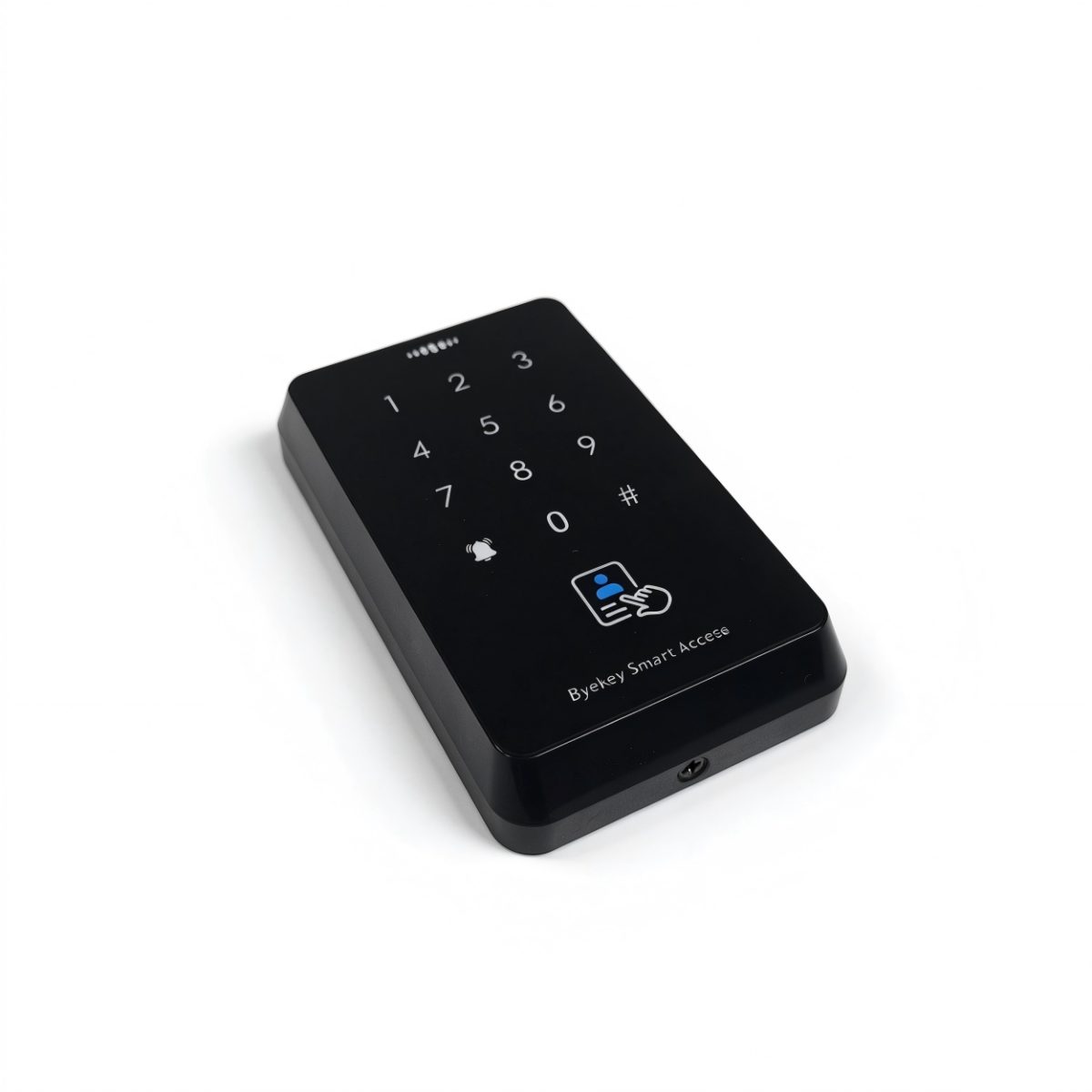
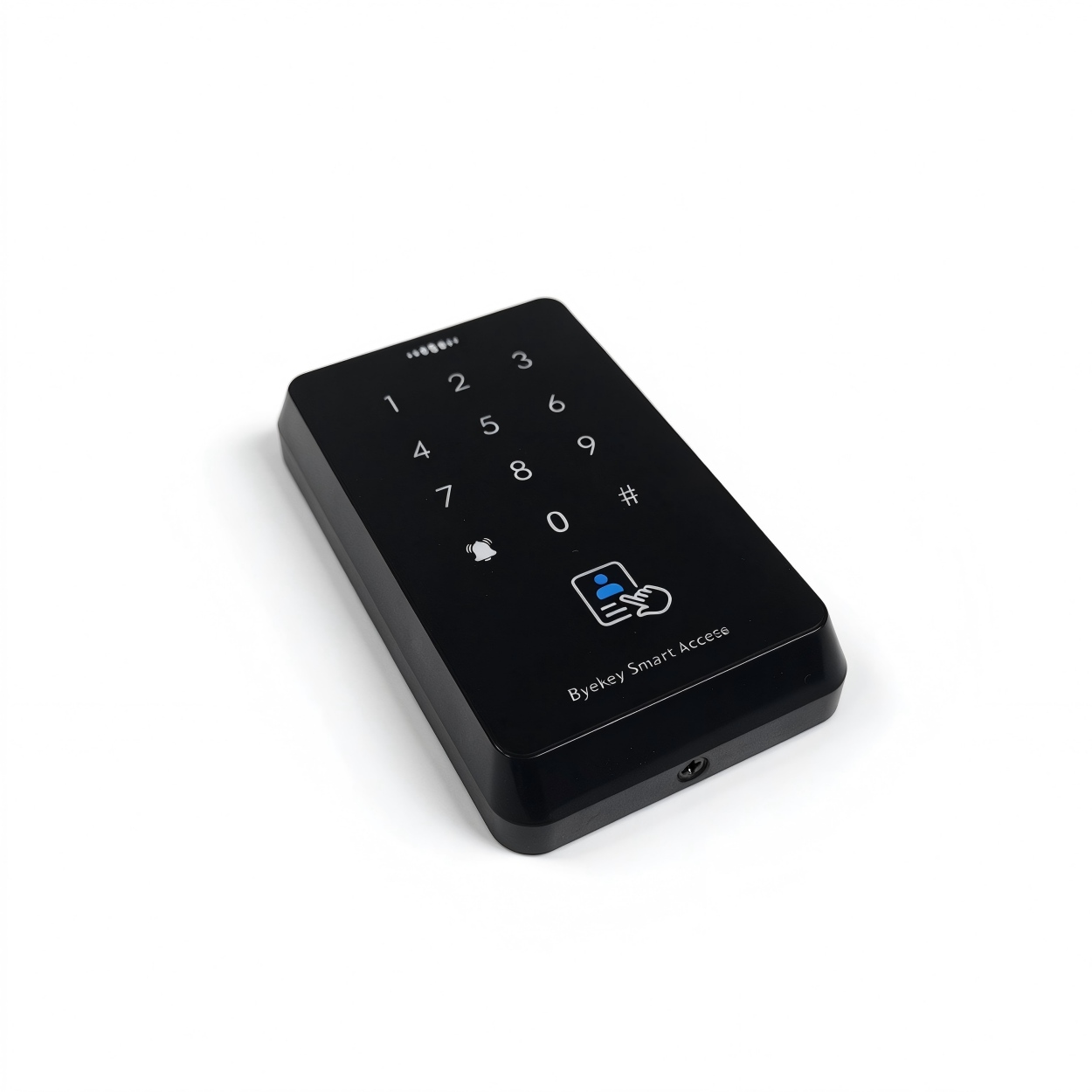
The R2L-MD is an access controller that integrates four unlock methods: fingerprint, IC card, password.
Product Introduction:
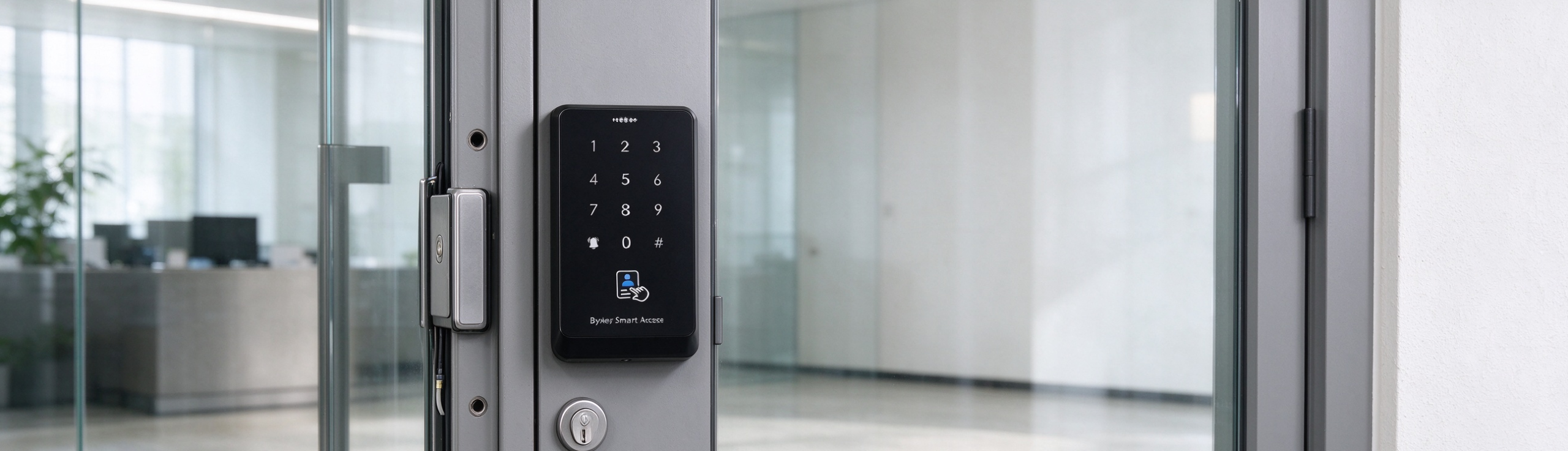
1. 3 unlock methods — IC card, password and Wechat minigram suiting different scenarios.
2. Demo Mode — the factory-default state in which any card, password, or fingerprint opens the door directly, letting users try the device quickly. It automatically switches to normal mode after the first user is enrolled, and returns to Demo Mode after all users are cleared.
3. Tiered permission management —
4. Standalone/offline operation — even without users can change the programming password, user card, user fingerprint, and user password directly on the device, making it suitable for offline deployment.
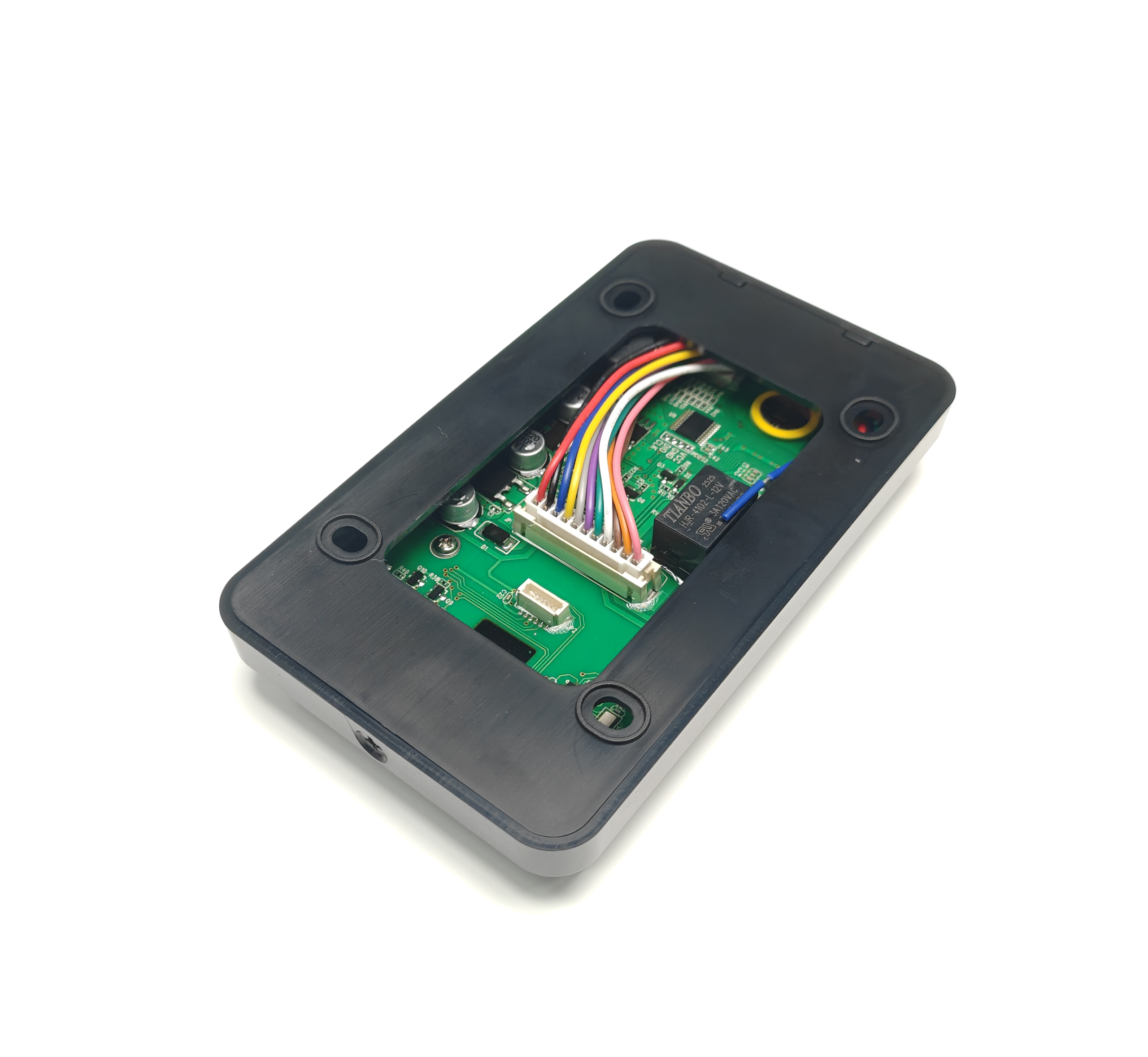
5. One-step factory reset — power off, short-circuit the OPEN (yellow) and GND (black) wires, then power on; initialization completes in two steps.
Suitable for offices, room doors, server rooms, residential unit entrances, and similar locations. Installation requires a DC 12V power supply; connect the unlock signal line (OPEN) and ground line (GND) per the wiring diagram, and keep the device in a dry, ventilated location away from strong electromagnetic interference.
The default is `123456`. After binding the Mini Program, the system administrator can change it. Change it promptly once the device is in formal use.
After an operator user is added in the Mini Program, verify on the device using the operator's "door-opening password", "valid card", or "fingerprint" to enter programming mode.
Demo Mode is the factory-default state, in which any card, password, or fingerprint opens the door directly. It exits automatically after the first user is enrolled, and returns automatically after all users are cleared.
Up to 1000 cards.
Card: after unlocking with a valid card, long-press `#` for about 5 seconds → when the green light flashes rapidly, press `1` → swipe the new card. Fingerprint: after unlocking with a valid fingerprint, long-press `#` for about 5 seconds → press `2` → press the same new fingerprint 5 times. Password: after unlocking with a valid password, long-press `#` for about 5 seconds → press `4` → enter the new 6-digit password twice, then press `#` to confirm.
① Power off, short-circuit OPEN (yellow) and GND (black), then power on again (green light flashes, long buzzer); ② power off again, remove the short circuit, then power on again — initialization is complete.
Must be DC 12V ±10%; do not connect a power supply outside this range. Confirm there is no short circuit before powering on.
The card reading distance is about 1–10 cm; being too far may cause failure. Also ensure the ambient temperature is 0–60°C and there is no strong electromagnetic interference.
Check that the wiring is secure and the supply voltage is normal; if necessary, initialize and reconfigure following the factory reset steps.